

All-in-one collaborative workspace
Coda bills itself as an all-in-one collaborative workspace which "brings teams and tools together for a more organised workday".

But what does that mean? And how good is it as a home for your core process documentation?

In this review, we will explore some of the key features of Coda, its pros and cons, and use it to draft and publish a core process so we can give you our hands-on verdict.
Document editing
At its heart, Coda is a document editor. If you’re familiar with Microsoft Word, Google Docs, or any other WYSIWYG editors, then you’ve already got a good idea of what to expect.
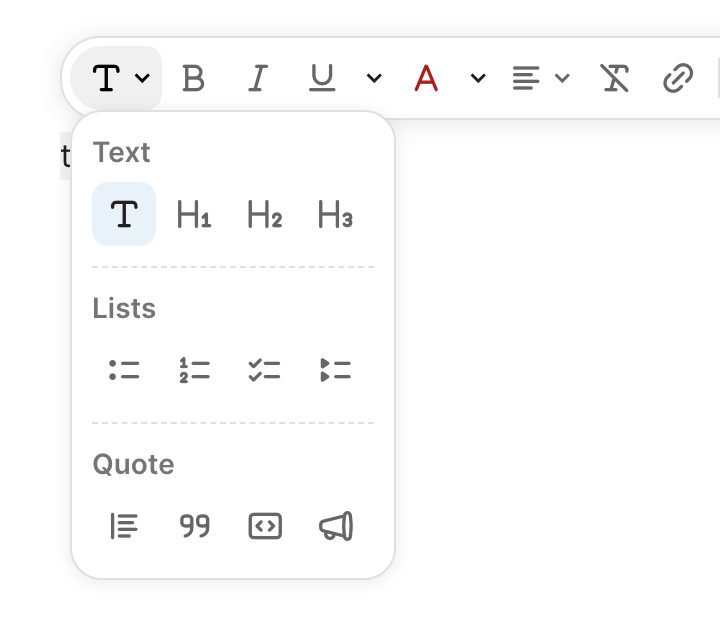
But unlike those other editors, Coda restricts you to just the essentials needed to create a well-structured document, with headings, lists, and a handful of other formatting options, rather than giving you unrestricted access to style your text with different fonts, colours and sizes.
This isn’t because it’s underpowered compared to other editors, but because the focus is on the content being written. When combined with column layout options, icons, and header images, it still offers a fair amount of flexibility for presenting the knowledge appropriately.
Each document can consist of one or more pages and subpages, structured however you need, and easy to rearrange with a drag-and-drop. Each page also lets you set a subtitle, display an outline of the page contents, and grant permissions over who can edit the content.
Because let’s not forget Coda is a collaborative workspace that allows real-time, simultaneous editing by multiple people. It also has a commenting system that lets you add comments to specific page elements for back-and-forth discussion with collaborators.
Scripting and database tables
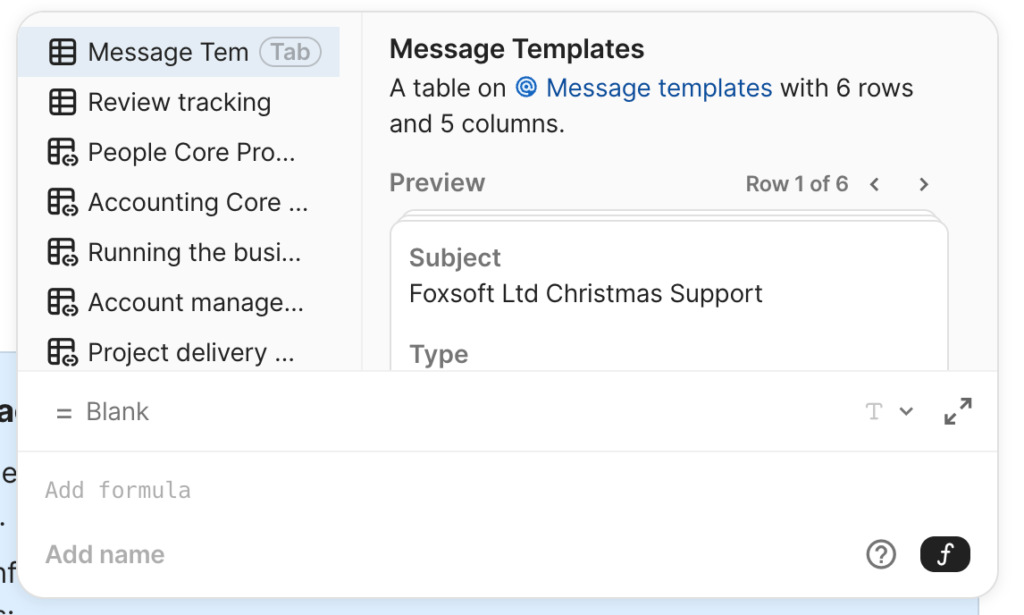
The real power of Coda, however, lies in its low-code capabilities via its formula scripting language. Simply hit the equals (=) key anywhere in a document, and a formula editor appears, letting you build some truly dynamic functionality and automations.
Complimenting this are database tables, which can also be added to any page in a document via the /table command, and add a whole new level of power to your documents.
Create the fields you need and add your data (either directly via a built-in, customisable form, or via a CSV file), or sync in the data you need from an external source (such as a Google Sheet, a project management tool, or a CRM).
A detailed description of what this lets you do is beyond the scope of this article, but I have personally used it to build an invoicing system, a project management tool, and an estimating calculator.
Publishing to the web
The last feature I want to highlight is the ability to publish your documents to the web. This isn’t the most comprehensive offering, but if you need an easy way to get some content online, this serves in a pinch.
If you’re happy with the default url of https://coda.io/@username/document-name, you can limit access to select individuals (who will need a free Coda account), but if you want to use a custom domain, then the content has to be publicly viewable, which isn’t ideal if your documentation contains sensitive information.
Still, if you can overcome these limitations, I would recommend using the published option for documentation because there is a tangible difference between it and the editor window when viewing documentation.
Putting it to the test
Conclusion
Pros
- The ability to add integrations and packs to your documents to enhance their functionality
- A vibrant and active community ready to provide assistance
- If you know what you’re doing, it’s possible to build some really comprehensive tools for your business
Cons
- Only premium Maker accounts can create pages and documents. Once pages are created, people with free Editor accounts can edit them
- Pages are tied to individuals, so if a page owner cancels their account, all their pages become read-only. These pages can be duplicated and owned by someone else, but it would be better if you could transfer ownership instead.
- The
@usernameof web-published documents is that of the page owner, not the organisation, making it slightly less professional
